Home
Click. Complete. Claim!
Turn Engagement into Rewards with Pay with Clicks!
Create exciting giveaways or claim amazing rewards by completing simple tasks. Your clicks, your currency.

Your Gateway to Exciting Giveaways
Complete tasks, claim rewards, and enjoy the journey!


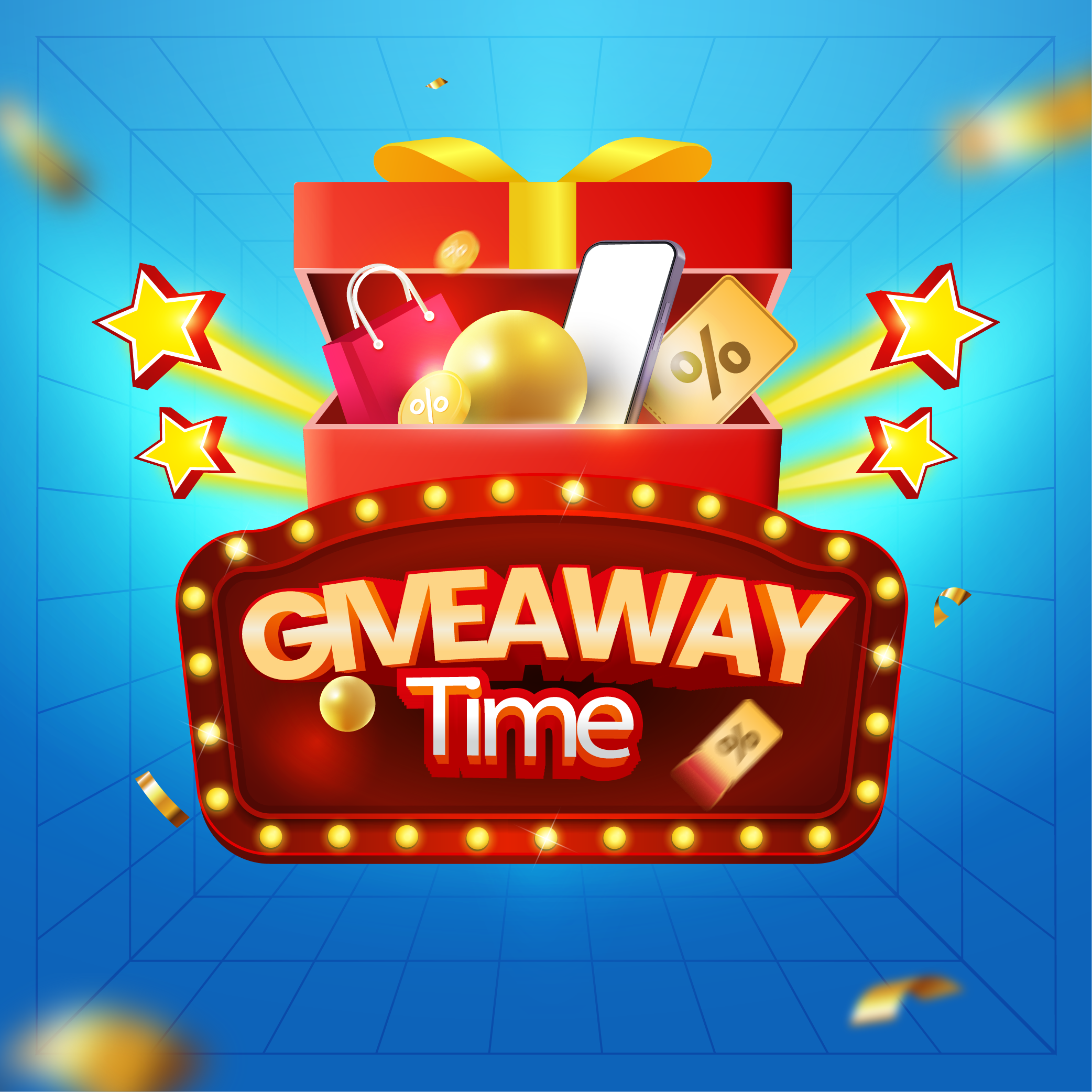
How to Create Giveaways?
Engage Your Audience and Build Buzz with Irresistible Giveaways!
01. Access the Giveaway Section
02. Add a New Giveaway.
03. View and Manage Giveaways.
04. Finalize and Monitor.
Our Pricing Plans
Choose the plan that best suits your needs.
Free
$00 Per Month
- Can Get Giveaway
- Can Refer
- Chat With Internal Members
- Add Product
- Add Platform Action
- Product Referral
- Create Email Group
- Send Group Email
- Create Member Account
Starter
$25 Per Month
- Can Get Giveaway
- Can Refer
- Chat With Internal Members
- Add Product
- Add Platform Action
- Product Referral
- Create Email Group
- Send Group Email
- Create Member Account
Surge
Best Value$50 Per Month
- Can Get Giveaway
- Can Refer
- Chat With Internal Members
- Add Product
- Add Platform Action
- Product Referral
- Create Email Group
- Send Group Email
- Create Member Account
Frenzy
$200 Per Month
- Can Get Giveaway
- Can Refer
- Chat With Internal Members
- Add Product
- Add Platform Action
- Product Referral
- Create Email Group
- Send Group Email
- Create Member Account
Frequently Asked Questions
How do I participate in a giveaway to get free products?
+
Go to the homepage, select a giveaway, log in if prompted, click all banners, wait for the "Continue" button, and visit all banner links to unlock and claim your gift.
What happens if I am not logged in while trying to access a giveaway?
+
The giveaway page will ask you to sign up or log in before you can proceed.
How do I add or manage a giveaway on the platform?
+
Go to the dashboard, click “Giveaway,” then use the ‘Add New Giveaway,’ ‘Edit,’ ‘Delete,’ or ‘View’ buttons to manage your giveaways.